Most advice about getting products in front of AI shopping agents starts with product data. Categories, attributes, descriptions, alt text. That work matters, and we have written about it (how Shopify Catalog ranks products, setting category attributes at scale). But it is the second step.
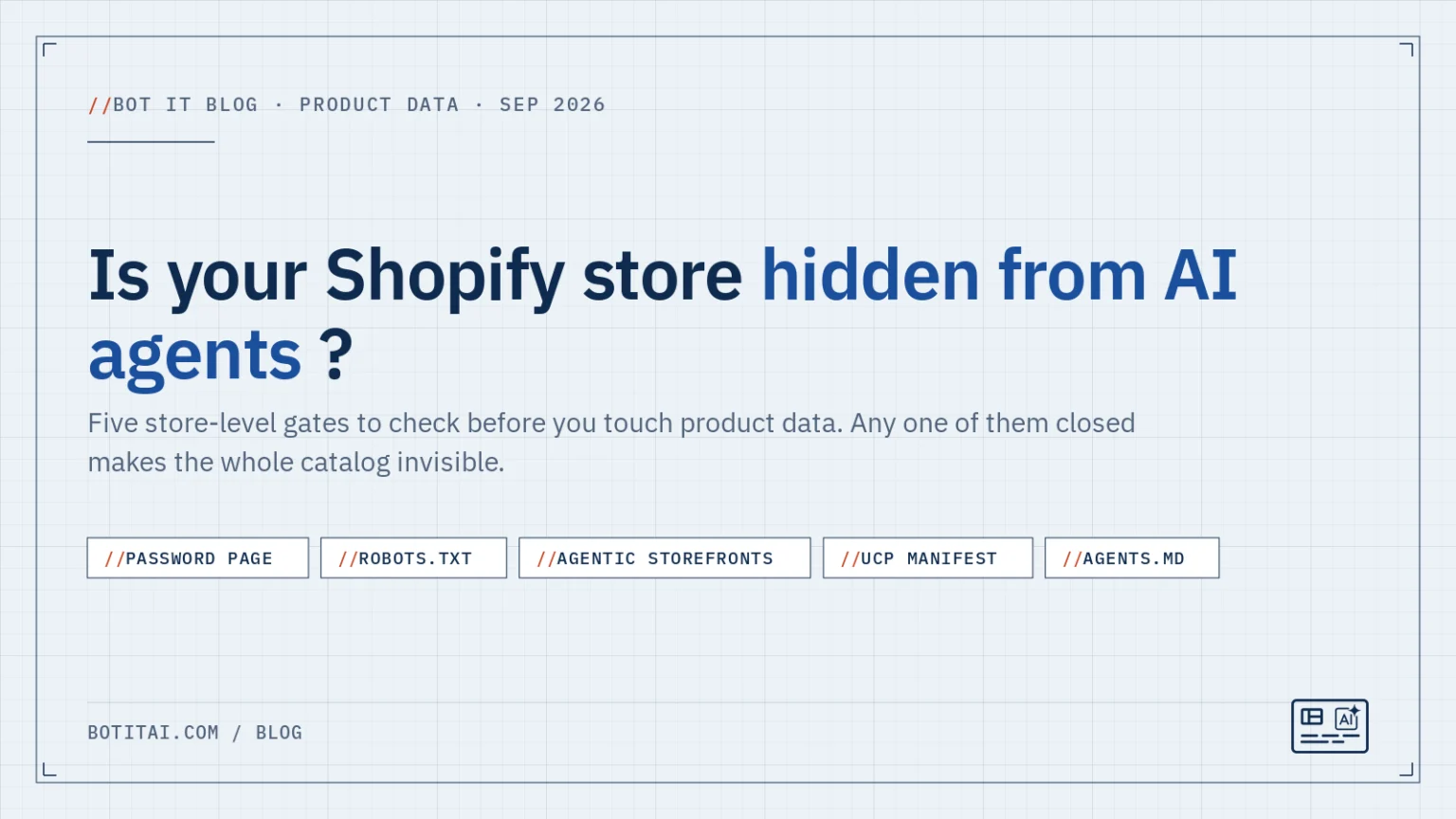
The first step is checking whether an agent can reach your store at all. A perfect catalog behind a password page is invisible. A clean product record on a domain whose robots.txt blocks every AI crawler is invisible. These are store-level gates. They are binary, they are usually accidental, and each one takes a few minutes to check by hand.
Here are the five we check first, how to verify each one yourself, and how the free Bot It gates check does it.
Fig. 01 Five store-level gates
What to load, what a closed gate looks like, and who can check it. Any one of these closed makes product data irrelevant until it is opened.
The free Bot It gates check runs gates 1, 2, 4 and 5 with an identified user agent. Gate 3 is reported as “verify in admin” because no Shopify API exposes those toggles.
Gate 1: the password page
A store with password protection turned on serves a landing page to everyone who is not logged into the admin. That includes every crawler and every agent. Shopify Catalog only syndicates published, publicly reachable stores, so a password page removes you from ChatGPT, Copilot and Gemini results entirely.
This happens more than you would expect. Stores launch with the password on and forget to remove it. Stores turn it on for a redesign weekend and leave it. Development stores are password-protected by default.
How to check. Open your storefront in a private browser window. If you see a password form instead of your homepage, the gate is closed. To fix it, go to Online Store, then Preferences, and turn off password protection. If you are on a plan that requires it, that is a plan question, not a settings question.
Gate 2: robots.txt blocks from other apps
Your robots.txt tells crawlers what they may read. Shopify serves a sensible default. The problem is that other apps can edit it through the robots.txt.liquid theme template, and some SEO and security apps ship blanket disallows that were written before AI crawlers existed. A rule that blocks “everything except Googlebot” also blocks OAI-SearchBot, ClaudeBot, PerplexityBot and the Bing crawler that feeds Copilot.
How to check. Load yourstore.com/robots.txt in a browser. Look for any Disallow: / line under User-agent: *, and for named rules against GPTBot, OAI-SearchBot, ClaudeBot, Claude-SearchBot, PerplexityBot, Bingbot or Google-Extended. If you did not add those rules yourself, an app did. Find the app that edits your theme’s robots template and change or remove the rule.
Two related things to know. Since May 30, Shopify applies its strictest rate limits to bots that do not identify themselves through Web Bot Auth, and your admin has a crawler access setting worth a look. And if your domain is proxied through Cloudflare rather than pointed straight at Shopify, Cloudflare’s September 15 default block on some AI crawlers may apply to you. Most Shopify stores are not affected because they sit on Shopify’s own network.
Gate 3: the Agentic Storefronts toggles
Agentic Storefronts is the admin area where Shopify manages which AI channels receive your catalog. The help center lists the channels: ChatGPT, Google AI Mode and Gemini, Microsoft Copilot, and, since September 8, Meta. Each channel has its own toggle. Direct checkout, where the agent completes the purchase, is a separate per-channel setting and is off by default on the Agentic plan.
Eligibility also applies. Shopify’s documentation describes the requirements as selling to US customers, a published product with a price above zero, and not being hidden from search engines or in a restricted category.
How to check. Go to Settings, then Sales channels, then Agentic Storefronts. Confirm the channels you want are on and the terms have been accepted. Note that these toggles are not readable through any Shopify API. No app, including Bot It, can verify them for you. Our gates report says “verify in admin” for this one on purpose, because saying anything else would be a guess.
Gate 4: the UCP manifest and payment handlers
Every Shopify storefront serves a machine-readable manifest at /.well-known/ucp. It is how a Universal Commerce Protocol agent learns what your store supports: catalog search, cart, checkout, order lookup, and which payment handlers your checkout accepts. Shopify updated every storefront to UCP version 2026-08-25 on September 4.
How to check. Load yourstore.com/.well-known/ucp. You should get a JSON document, not a 404 and not your homepage. Look for a version of 2026-08-25, a supported_versions list, and a set of capabilities. Then look at the payment handlers section. A populated list means an agent-driven checkout has something to hand off to. An empty list is worth understanding, because an August survey by UCP Checker found that Shopify storefronts declared catalog, checkout, cart and order capabilities at 100% but payment at 0%.
Fig. 02 What Shopify storefronts declare at /.well-known/ucp
Share of surveyed Shopify storefronts whose UCP manifest declared each capability. UCP Checker survey, August 2026.
10,409 verified Shopify storefronts in the survey. A manifest can list every capability and still hand an agent nothing to pay with, which is why the payment handlers section is the line to read.
One thing you do not need to fix: signing. The manifest carries no signing keys. That is the Shopify default across every store we have looked at, and the 2026-08-25 spec changed how keys are declared without making them mandatory. If a scanner flags “unsigned manifest,” treat it as information, not a defect.
Gate 5: the agentic sitemap and agents.md
Since spring, Shopify serves several agent-facing files on every store without an app: /agents.md, /llms.txt, /llms-full.txt and an agentic discovery sitemap. On May 28 Shopify made the underlying templates editable from your theme, which means they can also be broken by a theme edit or a caching layer.
How to check. Load yourstore.com/agents.md and yourstore.com/sitemap_agentic_discovery.xml. Both should return content, not a 404, and the sitemap should list your product URLs. If either is missing on a store with a custom or heavily modified theme, check whether the theme overrides those templates.
Keep this gate in proportion. These files are hygiene. Independent measurements this year found no citation lift from llms.txt and no verified requests from the major labs. Having them is cheap and correct. They are not where ranking comes from. Ranking comes from the product data behind them. (Shopify’s own agents.md and llms.txt rollout is one of the items in what changed for agentic commerce on Shopify this summer.)
A sixth gate that lives outside Shopify
Google AI Mode and Gemini draw on Google’s Shopping Graph, and the path into it is Merchant Center through the Google & YouTube channel. If that channel is not installed, or it is installed with a feed full of disapprovals, Google’s assistants are working from a thinner picture of your store than Shopify Catalog provides to the others. It is not a Shopify gate in the strict sense, which is why it is not in the five above. It is still worth opening the channel in your admin and checking that products are approved.
How the free Bot It gates check does it
The gates check runs from the Discovery overview in Bot It, and you can re-run it any time. It is part of the free plan. For each gate it fetches your storefront with an identified user agent and reports pass, warn or fail with the detail that triggered it:
- Password page: requests your homepage and detects the password template.
- robots.txt: parses the file and lists which AI crawlers are fully blocked, with a note that another SEO or security app is the usual cause.
- Agentic Storefronts: reported as “verify in admin,” with a link to the right settings page.
- UCP manifest: fetches
/.well-known/ucp, confirms it parses, reports the version and capability count, and notes whether payment handlers are declared. Unsigned is reported as information, not a failure. - Agent files: confirms
agents.md,llms.txtand the agentic sitemap return content.
The report sits on the Discovery overview next to the product audit, so you see the store-level gates and the per-product gaps in one place. Store gates first, then data.
Fig. 03 Store gates first, then data
The order the checks run in, and why. A gate is a yes or no for the whole store. Product data is graded per product and only matters once the gates are open.
Step 1, whole store
Can an agent reach you?
Password page, robots.txt, Agentic Storefronts toggles, UCP manifest, agent files. Binary.
Step 2, per product
Can an agent read you?
Category, attributes, title, description, alt text, barcodes. Graded, and where ranking comes from.
Outcome
Chosen by agents
Inclusion in ChatGPT, Copilot, Gemini and Meta is free. Being the product they pick is not.
Both checks sit side by side on the Bot It Discovery overview: the gates report and the per-product audit, so a closed gate is never hidden behind a good product score.
If you would rather start without installing anything, the store test page on botitai.com is the place to begin. Either way, the next step is the same: close any gate that is closed, then move on to the product data that decides whether you are chosen by agents once they can see you.