If you sell on Shopify to US shoppers, your products are already in ChatGPT, Microsoft Copilot, Google AI Mode and Gemini. Shopify Catalog syndicates them by default through Agentic Storefronts. You did not have to submit anything.
That is the good news. The harder news is that inclusion is free and ranking is not. When a shopper asks an assistant for “a lightweight rain shell for hiking under $150,” the assistant gets back a short list. Your product is either on that list or it is not. This post explains how Shopify decides, what the word “inferred” means in the Catalog API, and what you can do about it this week.
The five factors Shopify names
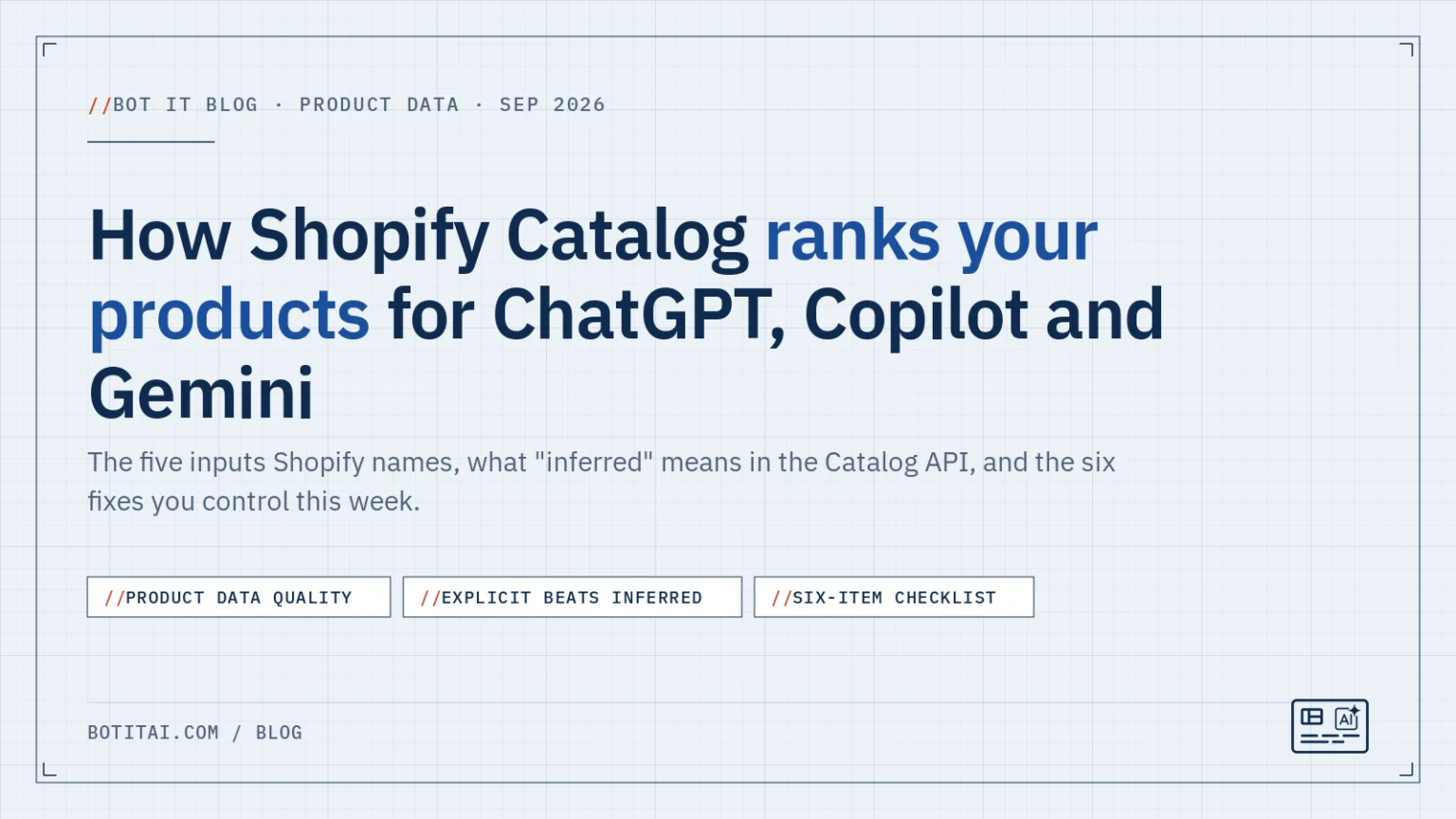
Shopify does not publish a ranking algorithm. It does name the inputs. In its June 2026 explainer, What is Shopify Catalog, the ranking factors are listed as “product data quality, availability, price, shipping, trust signals.”
Four of those are operational or earned over time:
- Availability is a hard filter. Out-of-stock products drop out of agent results.
- Price has to be accurate and above zero. Agents filter by price tier.
- Shipping means the delivery estimates and rates your store exposes.
- Trust signals come from sales history, fulfillment speed, chargebacks and verified reviews. No app can write those for you.
The fifth, product data quality, is the one you control directly. It is also the one most stores have never looked at from an agent’s point of view, because the storefront hides it. A product page can look finished while the underlying record has no category, no attributes and no barcode.
Fig. 01 The five ranking inputs Shopify names
From Shopify’s June 2026 explainer, What is Shopify Catalog. Sorted by whether you can change them this week.
No app can write trust signals for you. The last row is the one most stores have never looked at from an agent’s point of view, because the storefront hides it.
What “inferred” means
When a product record is incomplete, Shopify fills the gaps with machine learning. The company describes that inference as having “varying accuracy” in the same explainer. The inferred values are not hidden. The Global Catalog API labels them.
Per the Global Catalog documentation, responses on the current 2026-08-25 schema flag these fields as inferred:
| Catalog field | What Shopify guesses | What you can set explicitly |
|---|---|---|
description | A Shopify-generated summary | Your own description, with specs near the top |
options | Normalized option names and values | Clear option names (Size, Color) with consistent values |
metadata.attributes | Material, style, occasion and similar | Taxonomy category attributes on the product |
metadata.tech_specs | Specs extracted from your copy | Specs written as structured lines in the description |
metadata.top_features | A feature list Shopify assembles | Feature statements in your description |
metadata.unique_selling_points | Why someone should buy it | Your own positioning, in the copy |
variants[].condition | New, used, refurbished | Condition set per variant |
Read that table as a list of places where an assistant is currently working from a guess about your product. Some guesses will be right. Some will be wrong. The ones that are wrong fail silently. You will not get an email saying your wool sweater was classified as acrylic.
How to see what was inferred about your products
You do not need API access to get a feel for this. Ask an assistant a specific question about one of your products, the kind a shopper would ask: “Is the Ridgeline jacket waterproof or water-resistant, and what is it made of?” Compare the answer to your product record. If the assistant states a material you never entered, that value was inferred. If it hedges or gets it wrong, you have found a gap. The Agentic Storefronts area of your admin also lists product data recommendations, which are Shopify’s own view of what is missing.
Why explicit beats inferred
Agents do two things with product data. They filter, then they rank. Both steps prefer explicit values.
Filtering. The Catalog search tool that ChatGPT, Copilot and Gemini use accepts filters on taxonomy category and category attributes such as color, material, size, target gender and age group. A filter is a yes-or-no test. If the shopper asks for “women’s merino base layer” and your product’s target gender and material are inferred rather than set, you are relying on the guess being right on both counts. If either is wrong, the product is not in the candidate set at all. Ranking never gets a chance to help.
Ranking. Anthropic’s Claude Commerce Agents reference, which Shopify shipped an example for in September, uses Catalog’s search_catalog tool. An analysis of that blueprint found the shopping agent ranks on title, brand, category, attributes, option values and short description. Content that only lives deep in a long description is invisible at search time. The same analysis notes that non-comparable units across products, like “2 lb” on one and “700 lbs” on another, cause filters to be dropped rather than applied.
That is the practical meaning of “explicit beats inferred.” (How those values are set, one product at a time or through the API, is covered in Category attributes on Shopify: the explicit data AI agents filter on.) An explicit value is one you chose, from Shopify’s own taxonomy, that every agent reads the same way. An inferred value is a model’s estimate that you never reviewed.
Fig. 02 Filter first, then rank
How a shopper’s request turns into a short list. Each step reads the product record. Inferred values are tested exactly like explicit ones, and a wrong guess fails silently.
Filter and rank fields per the Catalog search tool and an analysis of Anthropic’s Claude Commerce Agents reference. Widths are schematic, not measured shares.
The Q2 2026 numbers
Three figures from this summer are worth keeping in mind when you decide whether this is worth an afternoon.
- On its Q2 2026 earnings call, Shopify said AI-driven traffic and orders grew 3x year over year.
- Shopify also said 75% of AI orders came from outside the top 100 product categories. Agent shopping is a long-tail channel. Niche catalogs are not excluded from it. They are most of it.
- At DotDev in July, Shopify repeated that AI sessions sourced from Catalog data convert at roughly 2x the rate of sessions built on scraped data. Structured beats scraped on the buying end too.
None of these numbers say anything about a specific store. They say the channel is real, it is growing, and it favors merchants whose product data can be read without guessing.
Fig. 03 The three numbers from this summer
Platform-wide figures Shopify gave in public. They describe the channel, not any one store.
3x
AI-driven traffic and orders, year over year
Q2 2026 earnings call
75%
of AI orders came from outside the top 100 product categories
Q2 2026 earnings call
~2x
conversion for AI sessions sourced from Catalog data versus scraped data
DotDev, July 2026
Long tail, growing, and favoring merchants whose product data can be read without guessing. Structured beats scraped on the buying end too.
What Shopify shows you, and what it does not
The Agentic Storefronts area of your admin shows which queries you already rank for and lists recommendations to improve product data. That is a useful baseline and it is free. What it does not do is write the missing values for you across a few thousand products, tell you which values are inferred versus set, or track whether your position changed after you fixed something.
That gap is where Bot It sits. The Discovery audit checks every product against the data points above, proposes fixes, applies them at the automation level you choose, and keeps every change revertible. The rank tracker queries the same global catalog the assistants use and records where you place for the intents that matter to you.
A six-item checklist
You can do all six of these in the Shopify admin by hand. Bot It exists because most catalogs are too large for that. One check comes before all six: confirm an agent can reach the store at all. A password page or a stray robots.txt rule hides a perfect catalog, and we cover the five store-level gates to check first separately.
- Set a leaf taxonomy category on every product. Not “Apparel & Accessories.” The most specific node that fits. The category decides which attributes exist for the product at all.
- Fill the category attributes with taxonomy values. Color, material, size, target gender, age group, pattern where they apply. Choose from Shopify’s list rather than typing free text so every agent reads the same value.
- Write a literal title. “Merino Wool Crew Base Layer, Women’s” gives an agent something to match. “Alpine Whisper” does not.
- Put the specs near the top of the description. Weight, dimensions, materials, fit, care. Use the same units across similar products so filters are not dropped.
- Add real barcodes where you have them. GTINs are the matching field across retailers. Never invent one. Note that API version 2026-10 adds multiple typed barcodes per variant with check-digit validation, so invalid codes will start to be rejected.
- Give every image alt text and keep availability accurate. Catalog returns media with alt text, and an out-of-stock product is not on the AI shelf no matter how good its data is.
The next step is to find out where your catalog actually stands. Run the free store test at botitai.com/test-your-store, or install Bot It and let the audit score every product. The free plan shows every gap. You decide what to do with them.